Brand Boards
Output
Example input
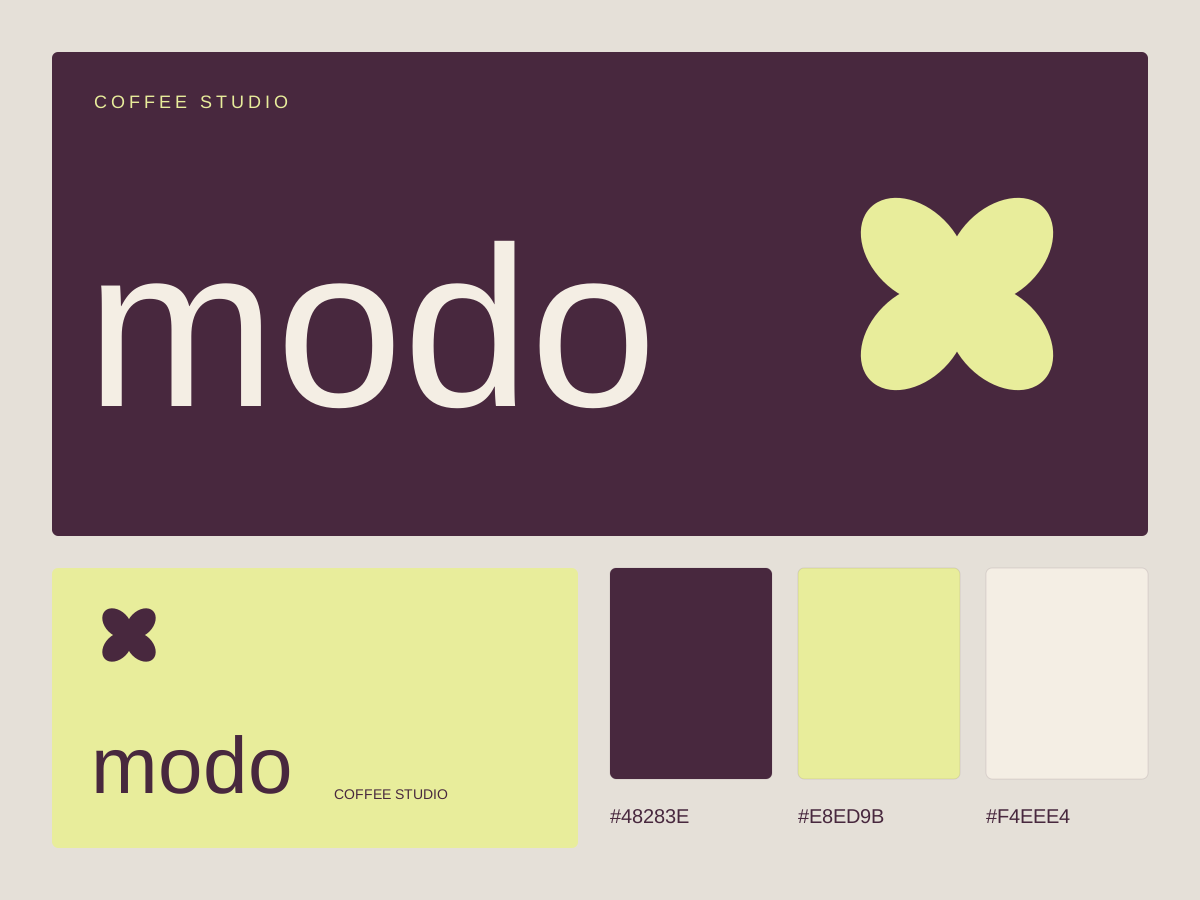
Create a brand board for a fictional coffee studio named modo. Use plum, butter yellow, and warm paper; a lowercase wordmark, a simple four-petal symbol, palette swatches with hex values, and a small business-card application.
Instructions
Manual download
Download .mdView instructions
---
name: brand-boards
description: Create a compact visual identity board from a brand brief. Use for exploring wordmarks, original geometric marks, palettes, and applications together.
---
# Brand Boards

Create a compact visual identity board from a brand brief. Use for exploring wordmarks, original geometric marks, palettes, and applications together.

## Build
- Preserve the supplied name and brand constraints. Ask for the name if missing; do not silently invent a replacement business.
- Pick one visual principle that connects the mark, typography, spacing, and application. A board is a system, not a collage of unrelated styles.
- Start with a 1200 by 900 board when dimensions are unspecified. Reserve distinct zones for a large wordmark, a small symbol, color swatches, and one application such as a business card.
- Draw original simple geometry for the symbol. Check its silhouette at 24 pixels and in a single color before adding decorative detail.
- Limit the palette to a background, foreground, and one or two accents. Print the actual hex value beside each swatch; use readable text/background pairings in the application.
- Use available fonts and explicit line breaks. Keep text editable and report font dependencies. Provide a separate transparent symbol.svg when a symbol is included.
- The application must reuse the exact mark and palette. Use only supplied contact details; omit unknown details instead of inventing phone numbers or addresses.

## Verify and deliver
Export board.svg and any symbol.svg into a new task folder, with explicit viewBox and dimensions. Keep SVG self-contained, escape supplied text, and omit scripts and remote resources. Render the board and the small mark when possible; check clipping, palette codes, name spelling, and spacing. State any unperformed visual checks. This is a concept direction, not trademark clearance or a full brand manual; do not promise either. Record font names and return editable source.
How to use
Choose Copy to try, paste into your coding assistant, and edit the request to make it yours. Open the resulting SVG in a browser or vector editor. Install for reuse is optional. Your AI assistant may have its own usage costs.
Remove private information and check the result before using it.
Tips & limitations
Create a brand board for a fictional coffee studio named modo. Use plum, butter yellow, and warm paper; a lowercase wordmark, a simple four-petal symbol, palette swatches with hex values, and a small business-card application.
Compare every word with your brief and inspect the SVG at full size and thumbnail size.
Creates an editable RGB SVG concept with a coding assistant. Text depends on installed fonts; production printing requires separate checks. The example brand and publication are fictional.
More examples
Input
Create a brand board for a fictional coffee studio named modo. Use plum, butter yellow, and warm paper; a lowercase wordmark, a simple four-petal symbol, palette swatches with hex values, and a small business-card application.
Output
A coordinated wordmark, symbol, palette, and business-card concept in one editable SVG.
When information is missing
Input
Make a finished design, but the final copy and dimensions are missing.
Output
Request the final copy and size, or label the result as a concept with explicit assumptions.