Editorial Covers
Output
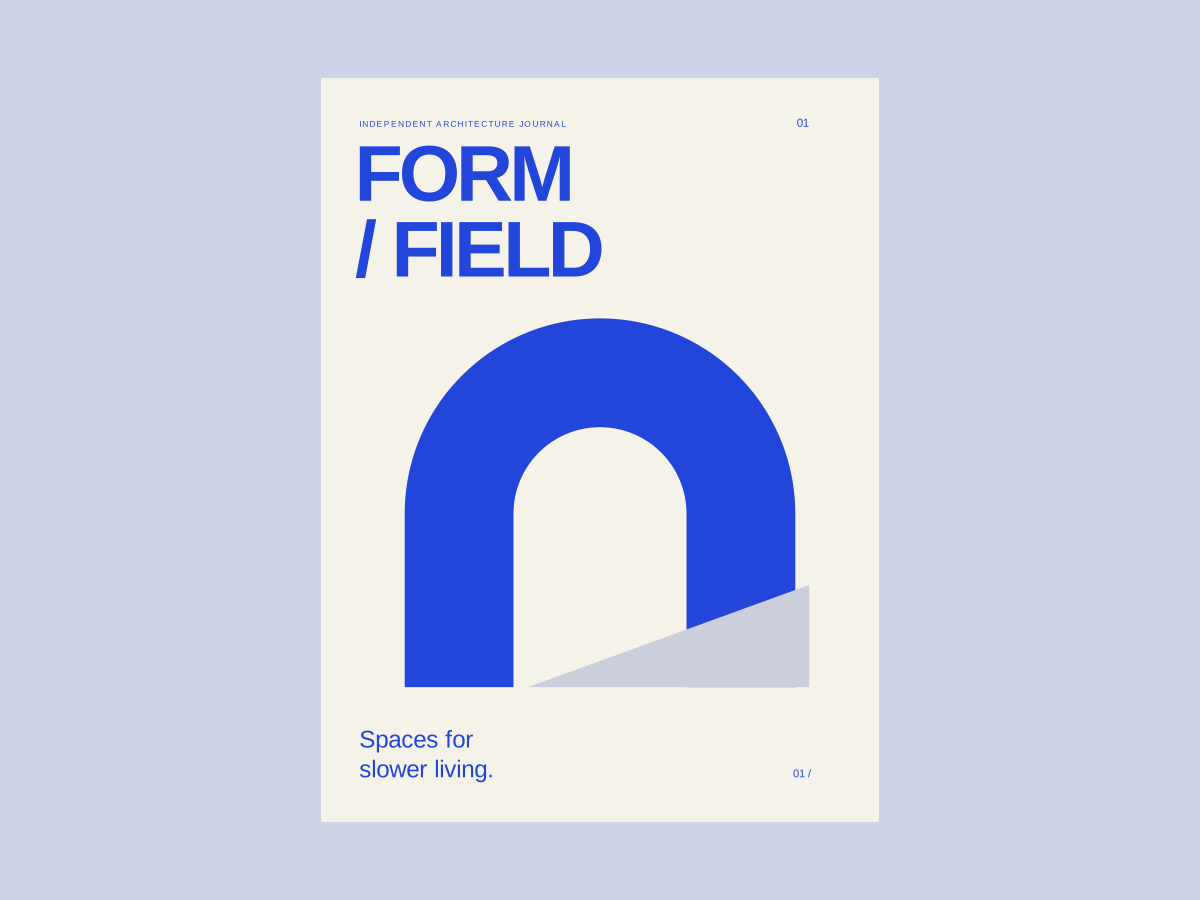
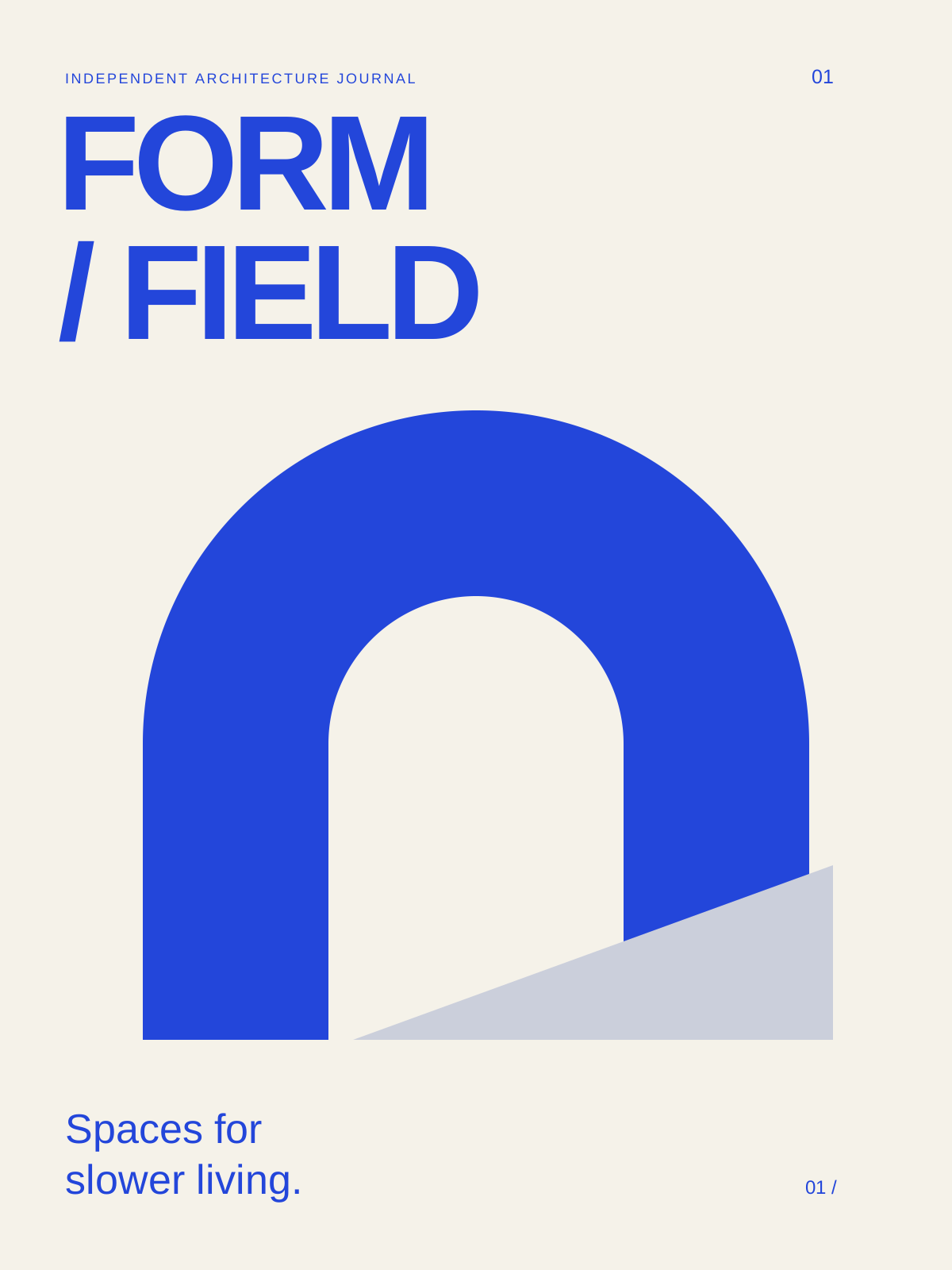
Example input
Design a cover for a fictional architecture journal titled FORM / FIELD, issue 01, with the line Spaces for slower living. Use cobalt blue, warm white, and a bold abstract arch. Deliver an editable portrait SVG with no photographs.
Instructions
Manual download
Download .mdView instructions
---
name: editorial-covers
description: Design a static cover for a report, journal, zine, or digital publication from supplied copy.
---
# Editorial Covers

Design a static cover for a report, journal, zine, or digital publication from supplied copy.

## Compose
- Identify the publication name, title, subtitle, issue, and author fields actually supplied. Preserve their wording and omit missing fields. Do not invent editorial credits, publication dates, or institutional endorsements.
- Use the requested format; otherwise start with a 1200 by 1600 portrait canvas. Plan a 6% safe margin and a simple column grid.
- Choose one focal device: an original geometric illustration, a licensed supplied image, or a typographic composition. It should reflect the theme rather than fill leftover space.
- Make the publication title legible at a 240-pixel-wide preview. Let the issue and supporting copy sit at a clearly smaller scale, but avoid tiny decorative text.
- Use at most two installed font families. Choose deliberate line breaks; preserve the reading order and distinguish the publication name from the article headline.
- Treat negative space as part of the composition. Keep the focal image clear of title counters and small captions unless overlap is a deliberate, readable part of the brief.

## Deliver and check
Create cover.svg with editable text, explicit dimensions and viewBox, and a descriptive title. Escape copy for XML; use no scripts or external URLs. Use a fresh output folder. Render at full size and thumbnail size when possible, and check all copy, margins, clipping, and hierarchy. If rendering is unavailable, disclose the pending visual checks. Provide a PNG only after actually rendering one. Record font dependencies. Ordinary RGB SVG is a digital cover concept; printer bleed, spine width, CMYK conversion, and a full wrap require the printer's specifications.
How to use
Choose Copy to try, paste into your coding assistant, and edit the request to make it yours. Open the resulting SVG in a browser or vector editor. Install for reuse is optional. Your AI assistant may have its own usage costs.
Remove private information and check the result before using it.
Tips & limitations
Design a cover for a fictional architecture journal titled FORM / FIELD, issue 01, with the line Spaces for slower living. Use cobalt blue, warm white, and a bold abstract arch. Deliver an editable portrait SVG with no photographs.
Compare every word with your brief and inspect the SVG at full size and thumbnail size.
Creates an editable RGB SVG concept with a coding assistant. Text depends on installed fonts; production printing requires separate checks. The example brand and publication are fictional.
More examples
Input
Design a cover for a fictional architecture journal titled FORM / FIELD, issue 01, with the line Spaces for slower living. Use cobalt blue, warm white, and a bold abstract arch. Deliver an editable portrait SVG with no photographs.
Output
A portrait editorial cover with a geometric arch and a clear title, issue, and subtitle hierarchy.
When information is missing
Input
Make a finished design, but the final copy and dimensions are missing.
Output
Request the final copy and size, or label the result as a concept with explicit assumptions.