Pixel Icons
Turn a few subjects into a matching pixel icon set.
Input
A sprout, a four-point star, and a coffee cup on a 16 × 16 grid in dark ink, pink, and green.
Instructions
Paste into your AI assistant, or install for reuse.
Manual download
Download .mdView instructions
---
name: pixel-icons
description: Create small, consistent pixel icon sets as editable SVGs on an integer grid for games, websites, and personal projects.
---
# Pixel Icons
Turn a subject list into a coherent set of original, static pixel icons.

## Build
- Use the requested subjects and palette. If unspecified, start with a 16 by 16 logical grid and at most four colors plus transparency.
- Define each icon as rows of equal-length characters with a shared character-to-color map. Preserve the grid as editable source.
- Keep at least one clear pixel around the silhouette. Use one consistent outline thickness and lighting direction across the set.
- Work on the logical grid first. At 16 pixels, recognizable silhouettes matter more than internal detail. Avoid isolated single pixels unless they serve a clear purpose.
- Export SVG rectangles at integer coordinates with shape-rendering="crispEdges". Render at integer multiples of the logical size; do not blur, interpolate, or round pixel corners.
- Include a viewBox, explicit width and height, an accessible title, and no external resources or scripts. Escape supplied titles before placing them in XML.
- Create a transparent individual SVG for each icon and a contact sheet with a neutral background. Put output in a new task-specific folder; preserve unrelated files.

## Check
Verify equal row lengths, defined palette characters, no occupied pixels outside the grid, and no clipped silhouettes. Inspect at native size as well as enlarged size when a renderer is available; otherwise state that visual review was not performed. Distinguish a requested sharp diagonal staircase from accidental stray pixels.

## Deliver
Return the SVG files and editable grid source with one sentence explaining the grid size and palette. No package installation is required to view an SVG in a browser. Raster export is optional and must preserve nearest-neighbor scaling. Do not replace this with a rendered 3D or smoothly antialiased illustration.

Example request: Create a sprout, a four-point star, and a coffee cup on a 16 by 16 grid using dark ink, warm pink, and green.
Output
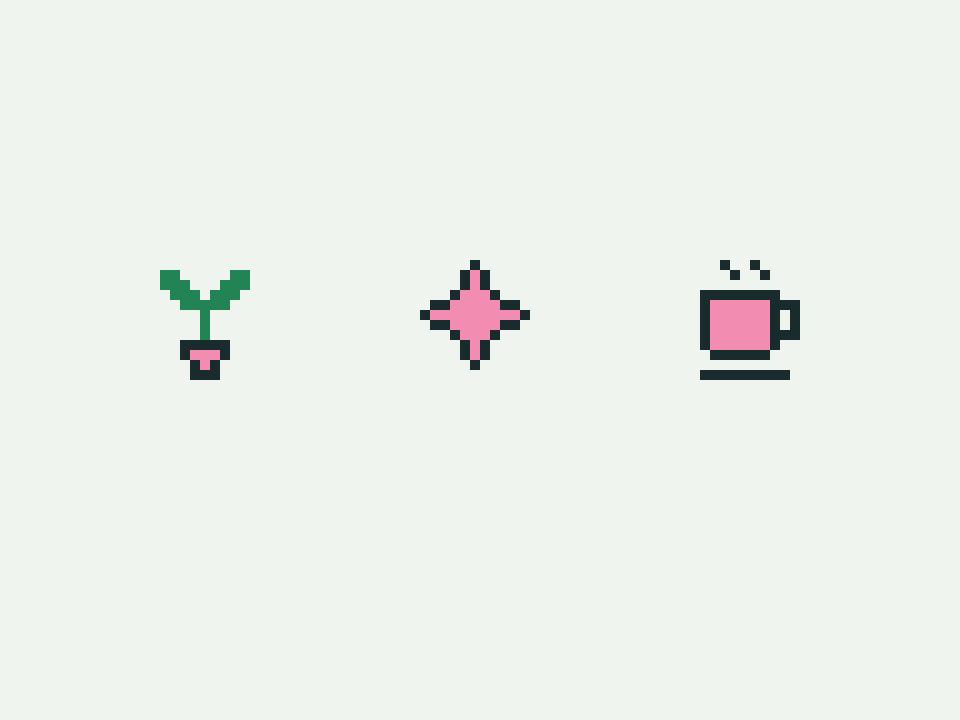
Generated with GPT-6Download example SVG
How to use
Choose Install, run the command in your project folder, and select your AI tool. Alternatively, copy the instructions into your coding assistant, then describe what you want to make. Open the resulting SVG in a browser or vector editor. Your AI assistant may have its own usage costs.
Remove private information and check the result before using it.
Tips & limitations
Name the subjects, grid size, and palette. Start with one to three icons.
Inspect silhouettes at native size and check crisp edges when enlarged.
Produces static SVG art with a coding assistant. Results can vary; no image-generation subscription is required.
More examples
Input
A sprout, a four-point star, and a coffee cup on a 16 × 16 grid in dark ink, pink, and green.
Output
Three editable pixel icons on a shared grid.
When information is missing
Input
Put a detailed city in a 16-pixel icon.
Output
Simplify to one landmark silhouette, or choose a larger grid to preserve detail.