Seamless Patterns
Turn simple shapes into a repeating SVG pattern.
Input
Electric-blue and off-white quarter circles with alternating rotations and a crisp rhythm.
Instructions
Paste into your AI assistant, or install for reuse.
Manual download
Download .mdView instructions
---
name: seamless-patterns
description: Make original seamless geometric patterns as editable SVG tiles and repeat previews for backgrounds, covers, and textiles.
---
# Seamless Patterns
Turn a shape and palette brief into a reusable static SVG pattern.

## Design
- Use the requested palette and motifs. Choose a small repeating tile before filling a whole canvas. If unspecified, start with a 160 by 160 tile and two contrasting colors.
- Build deliberate negative space into the tile. Keep the number of motif types small so the repeat has a clear rhythm.
- For any motif that crosses a tile edge, duplicate it at the opposite edge using exact tile-width or tile-height offsets; corner motifs need both offsets. Clip the tile consistently.
- Prefer simple SVG geometry for geometric briefs. If randomness is requested, use a fixed seed, record it, and repeat the resulting tile rather than generating every repeat independently.
- Use patternUnits="userSpaceOnUse" with explicit tile dimensions, a viewBox, and a background fill when opacity is intended.
- Keep geometry editable. Avoid embedded raster images, remote resources, fonts, scripts, and filters unless the user explicitly needs them. Escape any user-supplied strings in XML.

## Verify
Create at least a 3 by 3 repeat preview from the exact exported tile. Check horizontal and vertical edges, corners, gaps, accidental seams, and whether thin strokes change weight at the boundaries. If you cannot render the result, say the visual seam check is still pending.

## Deliver
Write tile.svg, preview.svg, and a short note recording tile size, palette, and any seed. A self-contained SVG opens in a browser and stays editable in a vector editor. Put the files in a new output folder. Do not overwrite existing artwork or claim a raster preview is a vector tile.

Example request: Make an electric-blue and off-white quarter-circle pattern with alternating rotations and a crisp graphic rhythm.
Output
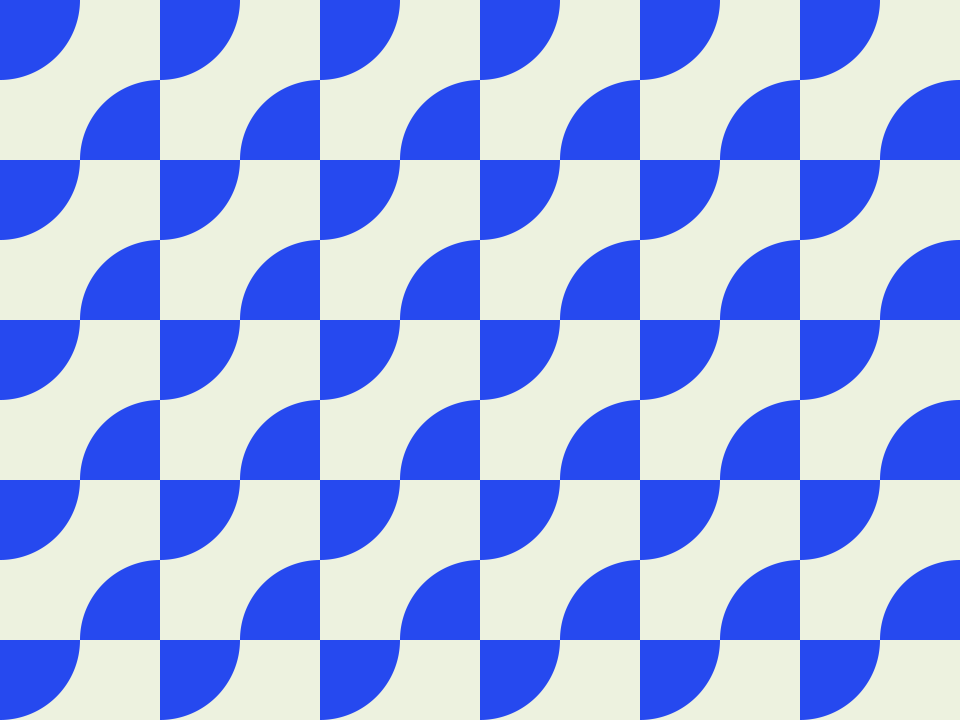
Generated with GPT-6Download example SVG

How to use
Choose Install, run the command in your project folder, and select your AI tool. Alternatively, copy the instructions into your coding assistant, then describe what you want to make. Open the resulting SVG in a browser or vector editor. Your AI assistant may have its own usage costs.
Remove private information and check the result before using it.
Tips & limitations
Specify a motif, two or three colors, and a tile size.
Inspect at least three repetitions in each direction for visible seams.
Produces editable SVG geometry. Complex organic artwork and print color matching need a separate workflow.
More examples
Input
Electric-blue and off-white quarter circles with alternating rotations and a crisp rhythm.
Output
An editable tile and seamless repeat preview.
When information is missing
Input
Repeat a shape that crosses the right edge.
Output
Duplicate the crossing portion at the left edge using an exact tile-width offset, then verify the repeat.