Type Posters
Turn a short phrase into a typographic poster.
Input
MAKE ROOM. in bold stacked black type on acid green, with generous margins and no extra copy.
Instructions
Manual download
Download .mdView instructions
---
name: type-posters
description: Turn supplied short text into a static typographic poster with an editable SVG and careful hierarchy, spacing, and print boundaries.
---
# Type Posters
Make a poster where the supplied words, scale, and negative space carry the composition.

## Compose
- Preserve the user's wording, punctuation, dates, and names. Do not invent event details or add promotional filler.
- Use the requested dimensions. If none are given, use a 1200 by 1600 portrait viewBox and one clear typographic idea: oversized headline, repeated word, or a strict column layout.
- Establish a safe margin of at least 5% of the shorter edge. Deliberate cropping may be used only when the brief calls for it and the headline remains understandable.
- Use a maximum of two type families and three functional sizes. Set line breaks explicitly rather than relying on SVG text wrapping.
- Use a single accent color with a clear background/text contrast. Keep the hierarchy readable when the poster is reduced to a small thumbnail.
- Use supplied or installed fonts. Never assume a remote font is present. Record the chosen family and fallback. Font-dependent text must remain editable; outline conversion is optional and requires a suitable available tool and licensing rights.
- Export a self-contained SVG with a title, explicit size and viewBox, no scripts, and no external URLs. Escape text when inserting it into XML.

## Check
Render the SVG when a renderer is available and check the longest line, ascenders, descenders, safe margins, and text overlap. Compare the exported text with the supplied copy. If you cannot render, disclose that bounds still need visual checking. Do not claim print-ready CMYK or outlined fonts for an ordinary RGB SVG.

## Deliver
Save poster.svg in a new task-specific folder. Return the dimensions, font choice, and a short note that editable text can render differently when fonts are missing. Provide a raster preview only if you actually rendered it. Keep the source editable and do not publish externally.

Example request: A black-on-acid-green poster reading MAKE ROOM. in bold stacked type, with generous margins and no extra copy.
Output
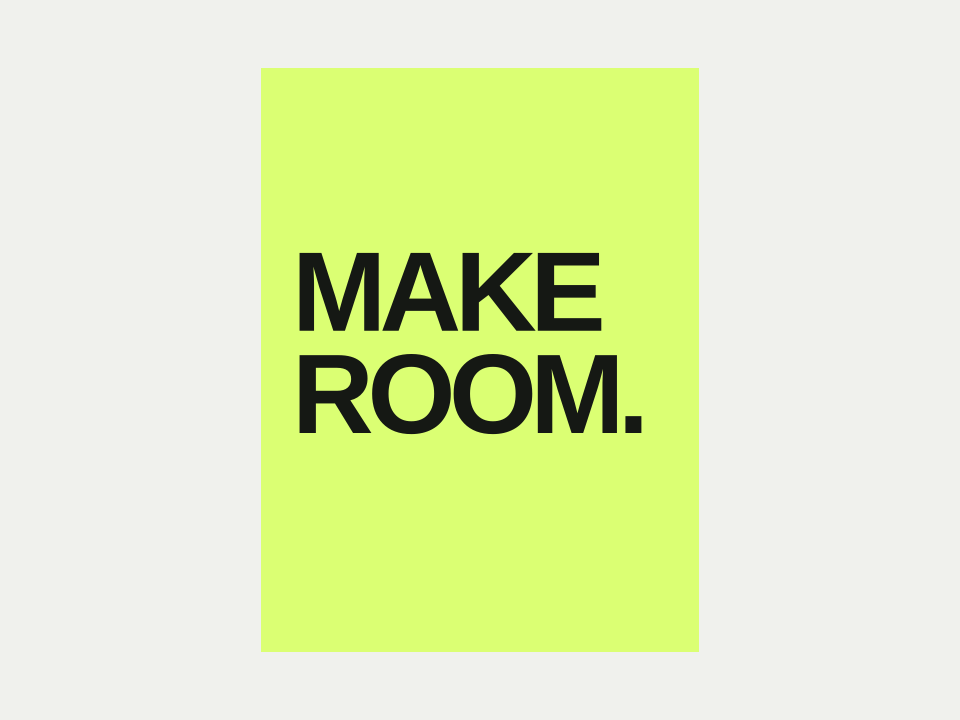
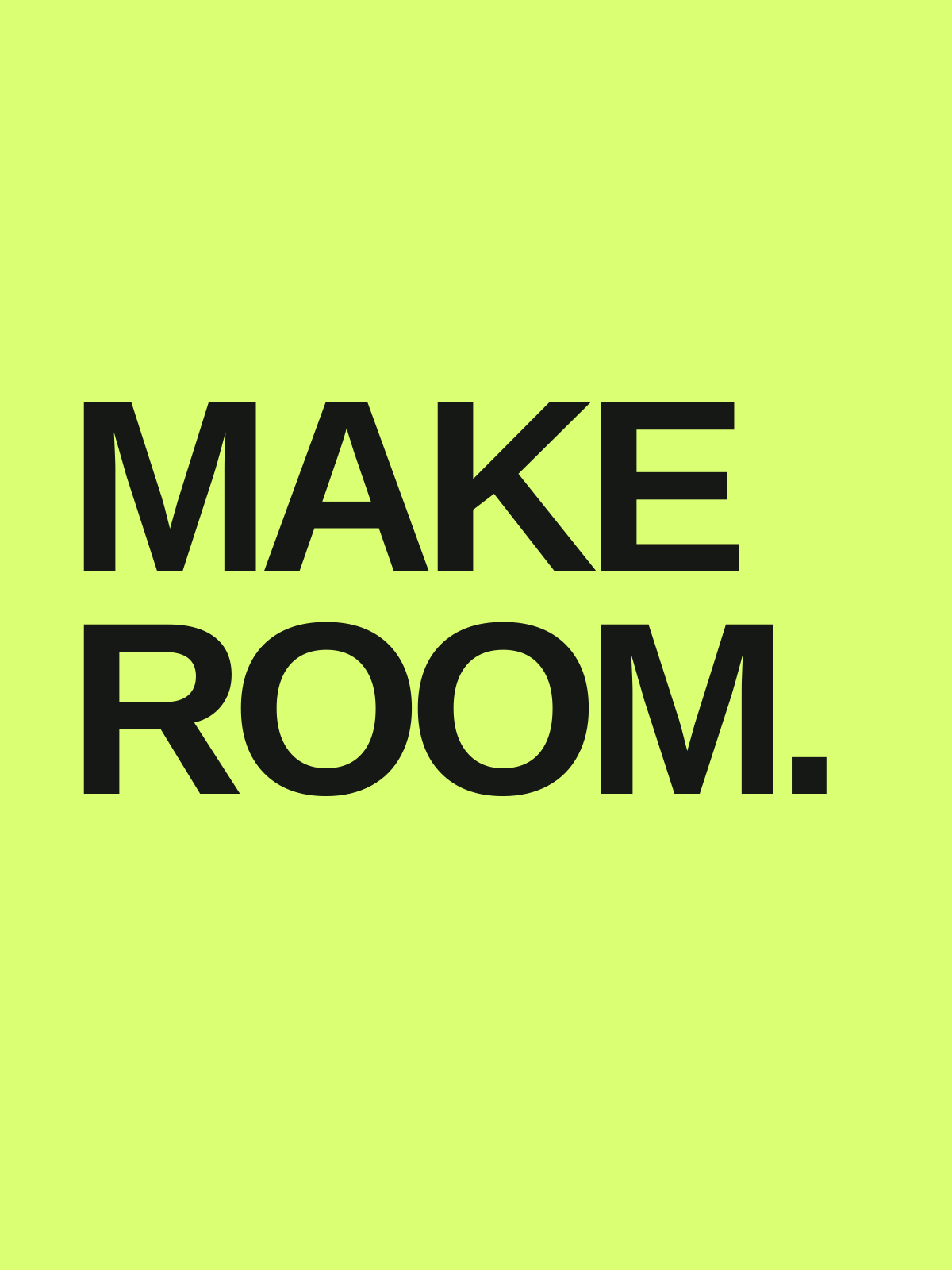
How to use
Choose Install, run the command in your project folder, and select your AI tool. Alternatively, copy the instructions into your coding assistant, then describe what you want to make. Open the resulting SVG in a browser or vector editor. Your AI assistant may have its own usage costs.
Remove private information and check the result before using it.
Tips & limitations
Provide the exact words, dimensions, and colors. Short copy gives the typography more room.
Check line breaks, margins, spelling, and the font on the device where the SVG will be used.
Editable text depends on available fonts. This is RGB artwork, not a print-ready CMYK file.
More examples
Input
MAKE ROOM. in bold stacked black type on acid green, with generous margins and no extra copy.
Output
An editable typographic poster in SVG.
When information is missing
Input
Use a font that is not installed.
Output
Ask for the font file and permission to use it, or choose an available font and record the substitution.